The mobile app industry has exploded into a multi-trillion dollar marketplace, yet for years, creating an app required extensive programming knowledge, significant financial investment, and months of development time. That barrier has completely dissolved in 2026 thanks to revolutionary no-code platforms that empower anyone with an idea to build fully functional mobile applications without writing a single line of code. Entrepreneurs, small business owners, educators, and creative professionals are now launching apps that generate revenue, solve problems, and serve communities—all without hiring developers or learning complex programming languages. The no-code movement has democratized app development, transforming what was once an exclusive domain of tech experts into an accessible opportunity for anyone willing to invest time and creativity. This comprehensive guide walks you through everything you need to know about building mobile apps without coding, from choosing the right platform and designing user experiences to publishing on app stores and scaling your creation. Whether you’re building a business app, a community platform, or bringing an innovative concept to life, no-code tools make it achievable today.
Table of Contents
Understanding the No-Code App Development Revolution
No-code platforms represent a fundamental shift in how software gets built, using visual interfaces, drag-and-drop components, and pre-built templates instead of traditional programming. These platforms abstract away the technical complexity of mobile development—handling database management, API integrations, user authentication, and platform-specific requirements automatically. What makes no-code particularly powerful in 2026 is the maturity of available tools; early platforms were limited to simple apps, but modern solutions support complex functionality including real-time data synchronization, payment processing, push notifications, geolocation services, and advanced analytics. The quality gap between no-code apps and traditionally coded apps has narrowed dramatically, with many successful apps in app stores built entirely on no-code platforms. Users cannot distinguish whether an app was coded traditionally or built with no-code tools based on performance or features. The real advantage extends beyond accessibility—no-code development enables rapid iteration, allowing you to test ideas, gather user feedback, and pivot quickly without the costly delays of traditional development cycles.
Top No-Code Platforms for Mobile App Development
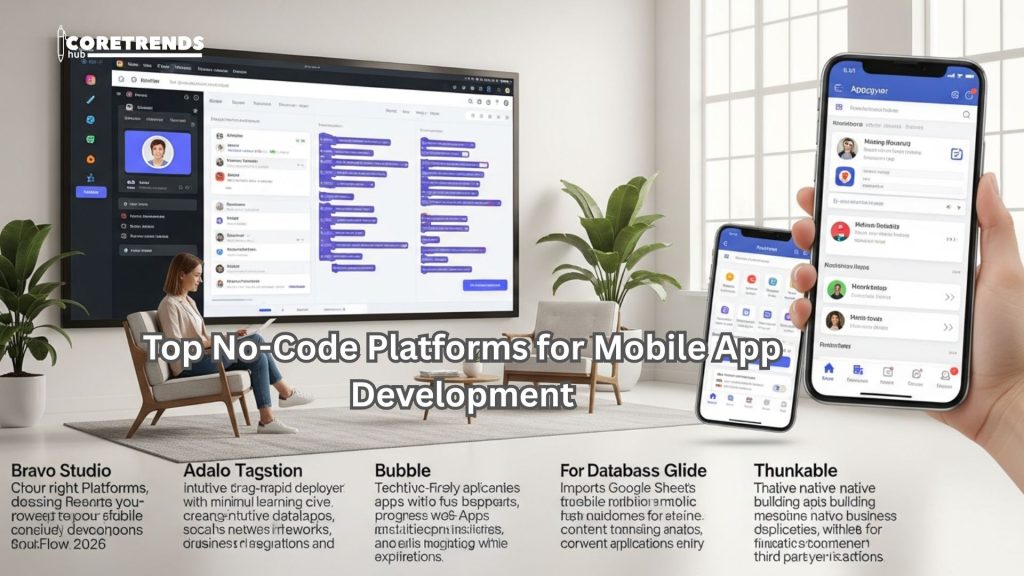
Choosing the right platform depends on your app’s specific requirements, your budget, and your desired level of customization. FlutterFlow has emerged as a leading choice in 2026, combining powerful visual development with the ability to export clean Flutter code if you eventually need custom development. The platform excels at creating beautiful, responsive apps with complex workflows, database integrations, and API connections. Adalo targets users wanting rapid deployment with minimal learning curve, offering intuitive drag-and-drop design and built-in databases that make creating marketplace apps, social networks, or business tools straightforward. Bubble, while technically a web-first platform, now supports progressive web apps that function like native mobile apps with offline capabilities and home screen installation. For database-heavy applications, Glide transforms Google Sheets into functional mobile apps within minutes, perfect for internal business tools, directories, or content-driven applications. Thunkable stands out for its native app building capabilities across iOS and Android, with extensive component libraries and third-party integrations. Each platform offers free tiers or trials, allowing you to experiment before committing financially.
Bravo Studio for Design-First Development
Bravo Studio takes a unique approach by importing designs directly from Figma or Adobe XD and transforming them into functional apps. This proves invaluable for designers who want pixel-perfect implementation of their visions without learning entirely new tools. The platform handles the technical backend while you focus on user experience and aesthetics.
Appgyver for Enterprise-Grade Applications
Appgyver (now part of SAP) offers professional-grade no-code development with enterprise features like advanced data modeling, complex business logic, and robust security protocols. It’s completely free, making it attractive for startups planning to scale or businesses needing internal applications with sophisticated requirements.
Planning Your App: From Concept to Blueprint
Successful app development begins long before you touch any tools, starting with thorough planning that defines purpose, audience, and core functionality. Begin by clearly articulating the problem your app solves and who experiences that problem—this clarity guides every subsequent decision. Research competing apps to understand what exists, identify gaps in the market, and determine what would make your solution uniquely valuable. Create user personas representing your target audience segments, detailing their needs, preferences, technical comfort levels, and usage contexts. Map out user journeys showing how people will discover, download, onboard, and use your app to achieve their goals. This visualization reveals potential friction points and opportunities to delight users. Define your minimum viable product (MVP)—the absolute core features necessary to deliver value—resisting the temptation to build everything at once. Sketch wireframes showing screen layouts and navigation flow, even simple paper sketches help crystallize your vision before investing time in actual building. Finally, establish success metrics: how will you measure whether your app achieves its purpose? Clear planning prevents countless hours wasted building features users don’t need or redesigning poorly conceived interfaces.
Designing User-Friendly Interfaces Without Design Skills
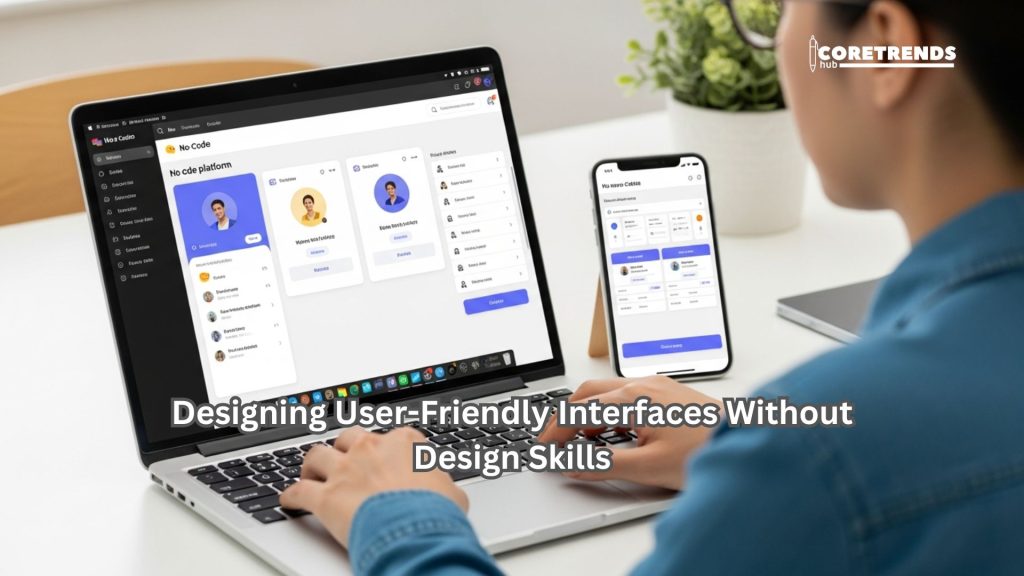
Great user interface design separates successful apps from abandoned downloads, yet you don’t need formal design training to create appealing, functional interfaces. Start with templates provided by your chosen no-code platform—these incorporate established design principles and best practices, giving you professional foundations to customize. Focus on simplicity and clarity rather than trying to be clever or innovative; users prefer familiar patterns that work predictably. Maintain consistent visual hierarchy using size, color, and spacing to guide attention toward important elements and actions. Choose color schemes that reflect your brand while ensuring sufficient contrast for readability—tools like Coolors or Adobe Color help generate harmonious palettes. Typography matters enormously; limit yourself to two fonts maximum, using one for headlines and another for body text, and ensure text size is comfortably readable on small screens. White space is your friend—resist cramming too much information on single screens, instead spreading content across multiple focused screens with clear navigation. Test your designs on actual devices, not just desktop previews, as mobile usage feels completely different. Gather feedback from potential users early and often, asking them to complete specific tasks while you observe where they struggle or hesitate.
Accessibility Considerations for Inclusive Design
Building accessible apps ensures everyone can use your creation regardless of abilities. Implement proper contrast ratios for text and backgrounds, provide alternative text for images, ensure interactive elements are large enough for easy tapping, and support screen readers by properly labeling elements. Most no-code platforms include accessibility features—use them from the start rather than retrofitting later.
Building Core Functionality and Features
Once your design foundation exists, focus on implementing the features that deliver your app’s core value. Most no-code platforms organize functionality into components or blocks that you configure rather than code. Database setup typically comes first—define what information your app needs to store, whether that’s user profiles, product listings, blog posts, or booking information. Modern no-code platforms offer visual database builders where you create tables and define relationships through simple interfaces. User authentication and account management are usually provided as pre-built components requiring minimal configuration; you can implement email/password login, social media authentication, or passwordless magic links within minutes. Forms for data input, lists for displaying information, and detail screens for individual items form the building blocks of most apps. Implement search and filtering functionality to help users find relevant content quickly, especially important as your app’s data grows. Payment integration has become remarkably simple with platforms offering Stripe, PayPal, and other processor connections that handle the technical complexity of secure transactions. Push notifications keep users engaged by alerting them to updates, messages, or relevant events—configure these thoughtfully to add value without becoming annoying spam.
Integrating APIs and Third-Party Services
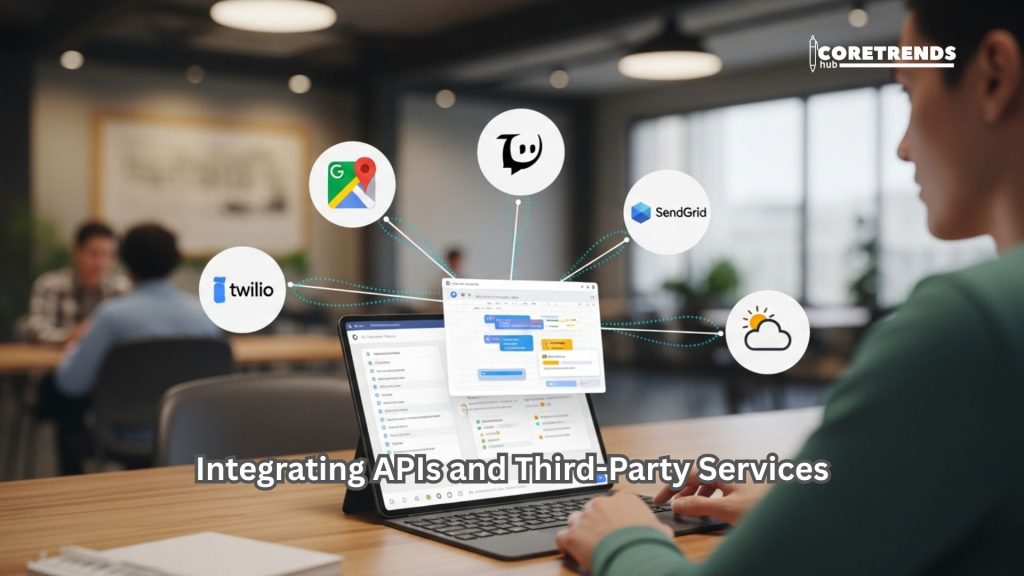
APIs (Application Programming Interfaces) allow your app to connect with external services, dramatically expanding functionality without building everything from scratch. No-code platforms simplify API integration through visual interfaces or pre-built connectors for popular services. Connect to Google Maps for location features, Twilio for SMS messaging, SendGrid for email notifications, or weather APIs for real-time data. Most platforms offer marketplaces of pre-configured integrations with popular services, often requiring just authentication credentials to activate. For custom API connections, platforms typically provide visual API builders where you specify endpoints, parameters, and authentication methods through forms rather than code. Zapier and Make (formerly Integracely) serve as middleware, connecting your no-code app to thousands of services even when direct integration isn’t available. These automation platforms trigger actions in your app based on events in other services or vice versa—for example, adding new app users to your email marketing list automatically. Understanding basic API concepts helps troubleshoot issues, but the technical implementation is handled by the platform, making sophisticated integrations accessible to non-technical builders.
Airtable as a Powerful Backend Database
Many no-code builders use Airtable as their backend database due to its flexibility, visual interface, and robust API. Airtable combines the simplicity of spreadsheets with the power of databases, allowing complex relationships, multiple views, and automations. Platforms like Softr and Stacker build entire apps directly on top of Airtable bases.
Testing Your App Thoroughly Before Launch
Rigorous testing prevents the embarrassment and user frustration of launching buggy apps that crash or behave unpredictably. Begin with functional testing, systematically working through every feature and user flow to ensure everything works as intended. Test edge cases—what happens when users enter unexpected data, skip steps, or lose internet connectivity mid-process? Most no-code platforms offer preview modes that simulate your app on different devices; test on both iOS and Android if building for both platforms, as behavior sometimes differs. Recruit beta testers representing your target audience to use your app in real-world conditions and provide honest feedback. Create specific test scenarios or tasks for them to complete, then debrief about their experience, noting confusion points, desired features, and usability issues. Performance testing ensures your app loads quickly and responds smoothly even with larger datasets or many concurrent users. Monitor memory usage and identify screens or actions that cause lag. Security testing verifies that user data remains protected, authentication works correctly, and payment processing functions securely. Document all discovered issues, prioritize them by severity and impact, and systematically address them before launch.
Publishing Your App to App Stores
Getting your app into the Apple App Store and Google Play Store involves specific requirements and review processes that no-code platforms help navigate. For iOS, you’ll need an Apple Developer account ($99 annually) and must comply with Apple’s extensive Human Interface Guidelines and App Store Review Guidelines. Most no-code platforms can generate the required app builds and even submit directly to Apple on your behalf, though you’ll still provide app descriptions, screenshots, and metadata. The review process typically takes 24-48 hours, sometimes longer, and Apple may request changes before approval. Google Play Store has a more streamlined process with a one-time $25 developer fee and generally faster approval, though you still must meet quality standards and content policies. Prepare compelling app store listings with clear descriptions, high-quality screenshots showing your app’s key features, and an engaging icon that stands out in search results. Keywords in your app title and description affect discoverability, so research what terms your target users search for. Consider creating an app preview video demonstrating your app’s value proposition and user experience. Some no-code platforms offer progressive web app (PWA) deployment as an alternative, bypassing app stores entirely while still providing app-like experiences users can install on home screens.
Alternative Distribution Through TestFlight and Beta Programs
Before full public launch, distribute beta versions through TestFlight (iOS) or Google Play’s internal testing tracks. This allows real users to test your app while you gather feedback and fix issues without risking negative public reviews. Gradually expand from internal testers to larger beta groups before the official launch.
Marketing and Growing Your App User Base
Building the app is only the beginning; attracting users requires deliberate marketing efforts and growth strategies. Start by identifying where your target audience spends time online—specific social media platforms, forums, communities, or websites—and establish presence there. Content marketing through blog posts, videos, or podcasts that provide value related to your app’s purpose builds authority and attracts organic traffic. App Store Optimization (ASO) improves your app’s visibility in store search results through strategic keyword usage, compelling visuals, and encouraging positive reviews from satisfied users. Leverage your existing networks by personally reaching out to friends, colleagues, and professional contacts who might benefit from or promote your app. Consider offering exclusive early access or special features to incentivize initial downloads and create buzz. Paid advertising through social media platforms, Google Ads, or specialized app install campaigns can accelerate growth if you have budget, though start small and measure ROI carefully. Partnerships with complementary businesses or influencers in your niche can expose your app to relevant audiences efficiently. Most importantly, focus on creating genuine value for early users so they become advocates who naturally recommend your app to others—organic word-of-mouth remains the most effective and sustainable growth channel.
Monetization Strategies for No-Code Apps
Transforming your app into revenue requires choosing monetization models aligned with your app’s purpose and user expectations. Freemium models offer basic functionality free while charging for premium features, additional content, or enhanced capabilities—this allows users to experience value before committing financially and typically converts 2-5% of free users to paying customers. Subscription models provide recurring revenue through monthly or annual fees, ideal for apps offering ongoing value, regular content updates, or continuous services. In-app purchases work well for apps offering digital goods, additional content, or consumable items users buy repeatedly. Advertising generates revenue from free apps through banner ads, interstitial ads, or rewarded video ads, though user experience suffers if overused, and revenue per user is typically lower than direct monetization. Transaction fees or commissions apply to marketplace apps where you facilitate exchanges between buyers and sellers, taking a percentage of each transaction. One-time purchase prices work for apps providing defined value without ongoing costs, though discoverability challenges exist since users can’t try before buying. Most successful apps combine multiple revenue streams—for example, offering free basic features, premium subscriptions for power users, and optional in-app purchases for enhancements. Test pricing strategies, monitor conversion rates and user feedback, and adjust based on data rather than assumptions.
Maintaining and Updating Your App Post-Launch
Launching your app marks the beginning of an ongoing maintenance and improvement cycle essential for long-term success. Monitor app performance metrics including crash rates, load times, and user retention to identify technical issues requiring attention. Respond promptly to user reviews and feedback, addressing reported bugs and considering feature requests that align with your vision. Regular updates signal to users and app stores that your app is actively maintained and improving, which positively affects rankings and user trust. Plan content updates, feature additions, or seasonal enhancements based on user behavior data and requests. Security updates are critical—stay informed about platform changes and security best practices, updating your app to address vulnerabilities. Most no-code platforms handle backend security and infrastructure updates automatically, but you must still maintain vigilance about user data protection and privacy compliance. Analyze user behavior through analytics to understand how people actually use your app versus how you intended, revealing optimization opportunities. Test updates thoroughly before releasing to avoid introducing new bugs. Communicate changes to users through in-app notifications, email newsletters, or social media, highlighting improvements and showing you value their experience. The apps that thrive long-term are those treated as evolving products rather than one-time projects.
Conclusion
Building a mobile app without coding has transformed from an impossible dream into an accessible reality thanks to sophisticated no-code platforms available in 2026. The barriers that once prevented entrepreneurs, creators, and problem-solvers from bringing their ideas to life have fallen, replaced by intuitive tools that empower anyone willing to invest time and creativity. Success in no-code app development comes not from technical expertise but from understanding your users, clearly defining the value you provide, and persistently iterating based on feedback. The journey from concept to published app involves planning, designing, building, testing, launching, and continuously improving—each phase requires attention and effort, but none require programming knowledge. The most exciting aspect of this no-code revolution is its democratizing effect on innovation; great ideas can now compete based on merit rather than the founder’s ability to code or afford developers. Whether you’re building a business tool, solving a community problem, or creating the next viral app, no-code platforms provide the foundation to transform your vision into reality.
FAQ
Q1: How long does it take to build a mobile app using no-code tools?
Timeline varies dramatically based on app complexity, but simple apps can be built in days or weeks, while more complex applications might require 2-3 months. A basic directory or content app might take 20-40 hours of work, while a marketplace with user accounts, payments, and messaging could require 100-200 hours. The advantage of no-code is rapid iteration—you can have a working prototype in days and refine based on testing.
Q2: What are the limitations of no-code app development?
No-code platforms have improved dramatically but still face limitations including: reduced customization compared to custom coding, potential performance issues with very large datasets or complex calculations, dependency on the platform’s continued operation and pricing, and difficulty implementing highly unique or innovative features not anticipated by platform builders. For 80-90% of app ideas, these limitations don’t matter, but cutting-edge or highly specialized apps may eventually need custom development.
Q3: How much does it cost to build and maintain a no-code app?
Costs vary widely based on platform and features. Many platforms offer free tiers for testing and simple apps. Paid plans typically range from $20-$100 monthly for small apps, while more robust applications might cost $200-$500 monthly. Add $99 annually for Apple Developer account and $25 one-time for Google Play. Third-party integrations, custom domains, and premium features add to costs. Total first-year costs typically range from $500-$3,000 for most small business apps.
Q4: Can I eventually migrate my no-code app to custom code if needed?
Some platforms like FlutterFlow allow code export, enabling you to hire developers to continue building on the exported codebase. Other platforms are proprietary, making migration challenging but not impossible—developers can rebuild your app based on the working no-code version. If you anticipate eventually needing custom development, choose platforms supporting code export or use ones with robust API access allowing hybrid approaches.
Q5: Do no-code apps perform as well as traditionally coded apps?
Modern no-code apps perform comparably to coded apps for most use cases. Users cannot typically distinguish between them based on speed or functionality. Performance differences emerge mainly at significant scale (hundreds of thousands of users) or with computationally intensive features. For startups and small-to-medium businesses, no-code app performance is more than adequate, and many successful apps serving large user bases were built entirely on no-code platforms.
Q6: What’s the best no-code platform for complete beginners?
Adalo offers the gentlest learning curve with intuitive drag-and-drop design and built-in tutorials. Glide is even simpler if you’re comfortable with spreadsheets, transforming Google Sheets into apps with minimal learning required. Both platforms allow you to publish functional apps within days of starting, making them ideal for testing whether no-code development suits you before investing in more complex platforms.